Render House Design: Complete Guide to Creating Stunning Residential Visualizations
#Render House Design: Complete Guide to Creating Stunning Residential Visualizations
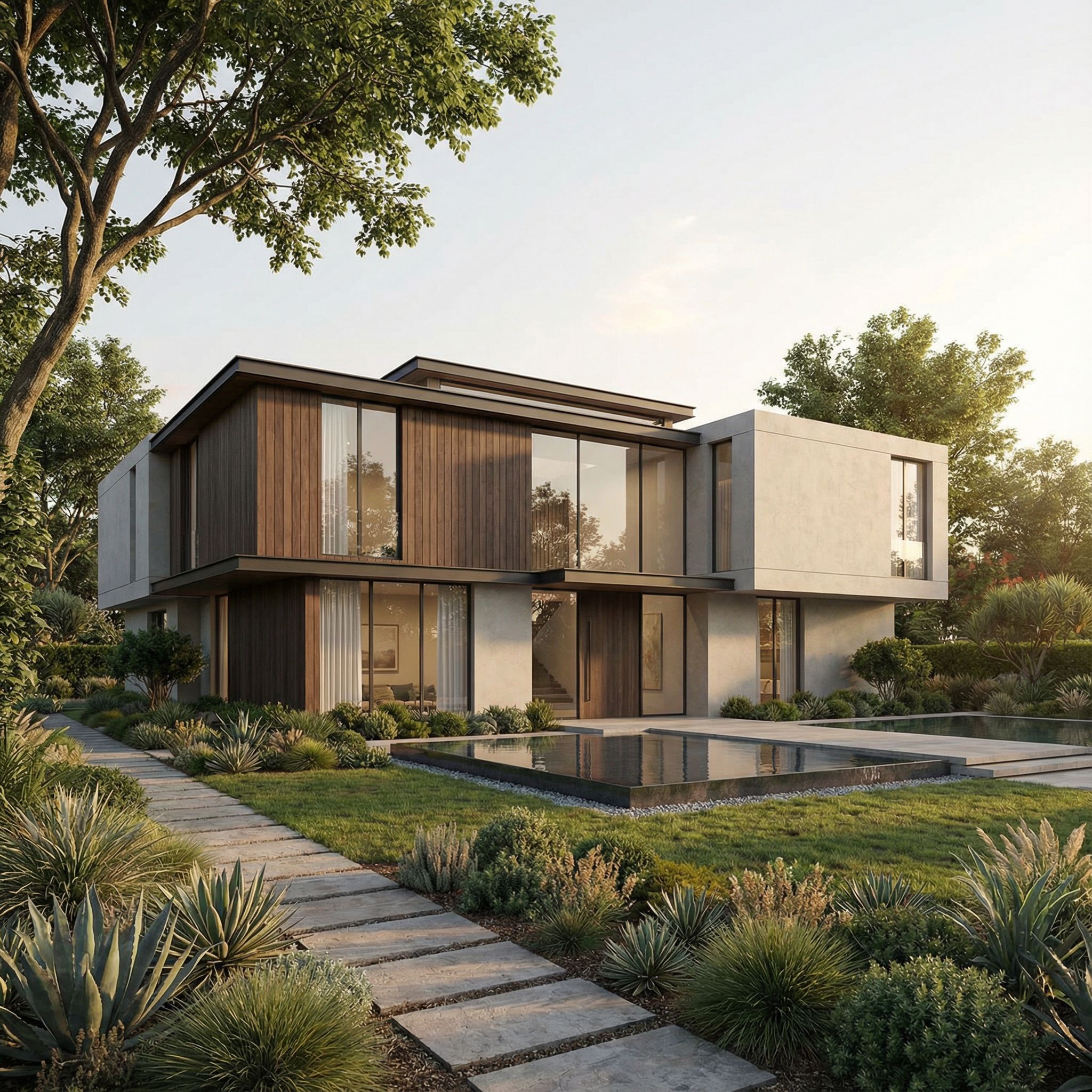
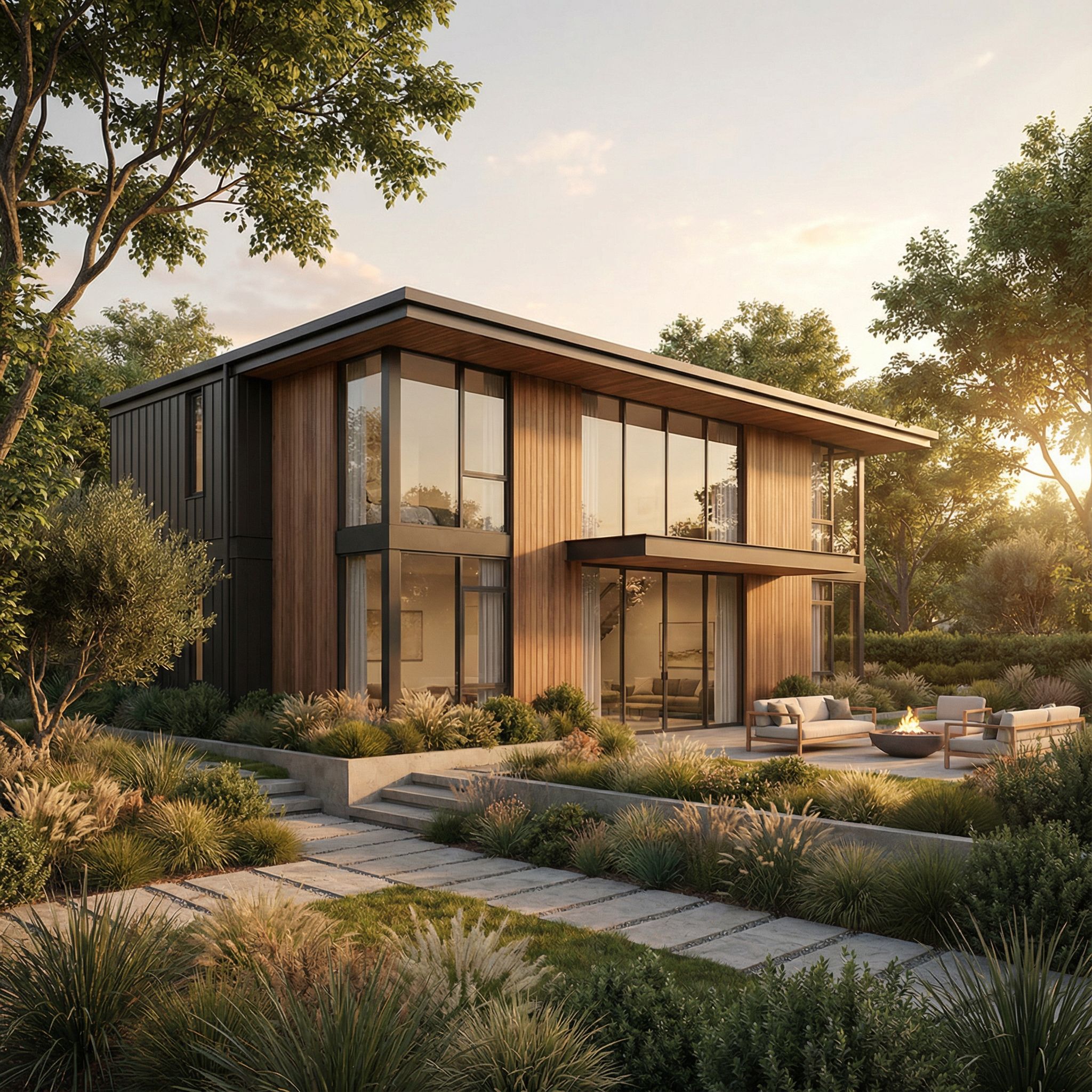
Learning how to render house design effectively is essential for architects, designers, and real estate professionals who need to bring residential concepts to life. Whether you’re presenting to clients, marketing properties, or refining design details, mastering house design rendering transforms your projects from sketches into compelling visual narratives.
A well-executed render house design visualization communicates not just the architectural form, but the lifestyle, atmosphere, and emotional connection that makes a house a home. This comprehensive guide covers everything you need to know about creating professional house design renders that captivate viewers and effectively communicate your vision.
#Understanding House Design Rendering
#What Makes a Great House Design Render?
A successful render house design combines several critical elements:
- Photorealism: The render should look like a professional photograph, creating an authentic sense of place
- Emotional Appeal: Captures the feeling and lifestyle associated with the design
- Material Authenticity: Realistic representation of building materials, textures, and finishes
- Environmental Integration: Seamless connection with landscaping, site context, and surroundings
- Strategic Composition: Camera angles that showcase the best features of the house design
- Atmospheric Quality: Lighting and mood that help viewers envision living in the space
#The Role of House Design Rendering in the Design Process
House design rendering serves multiple purposes throughout the design and marketing workflow:
- Design Development: Visualizing design options and making informed decisions about materials, colors, and forms
- Client Communication: Presenting design concepts clearly and persuasively
- Marketing Materials: Creating compelling visuals for sales, websites, and promotional materials
- Planning Approvals: Supporting planning applications with clear visual documentation
- Construction Guidance: Providing visual references for builders and contractors
#Essential Techniques for Rendering House Designs
#1. Model Preparation and Setup
Before rendering, ensure your house design model is properly prepared:
- Clean Geometry: Remove unnecessary polygons and optimize mesh topology for efficient rendering
- Accurate Scale: Ensure all elements are correctly scaled relative to each other
- Complete Details: Include architectural details like trim, gutters, windows, doors, and hardware
- Material Assignment: Assign appropriate materials to all surfaces before rendering
- UV Mapping: Properly unwrap surfaces for realistic texture application
#2. Lighting Strategies for House Design Renders
Lighting is crucial for creating realistic and appealing house design renders:
#Time of Day Considerations
- Golden Hour: Early morning or late afternoon light creates warm, inviting atmospheres
- Midday Sun: Bright, even lighting that showcases architectural details clearly
- Overcast Conditions: Soft, diffused light that reduces harsh shadows and creates a calm mood
- Twilight/Blue Hour: Atmospheric lighting that creates dramatic, moody renders
#Interior and Exterior Lighting Balance
- Interior Warmth: Warm interior lighting visible through windows adds life and coziness
- Exterior Fixtures: Landscape lighting and architectural accent lights enhance nighttime renders
- Natural Integration: Balance natural and artificial lighting for realistic results
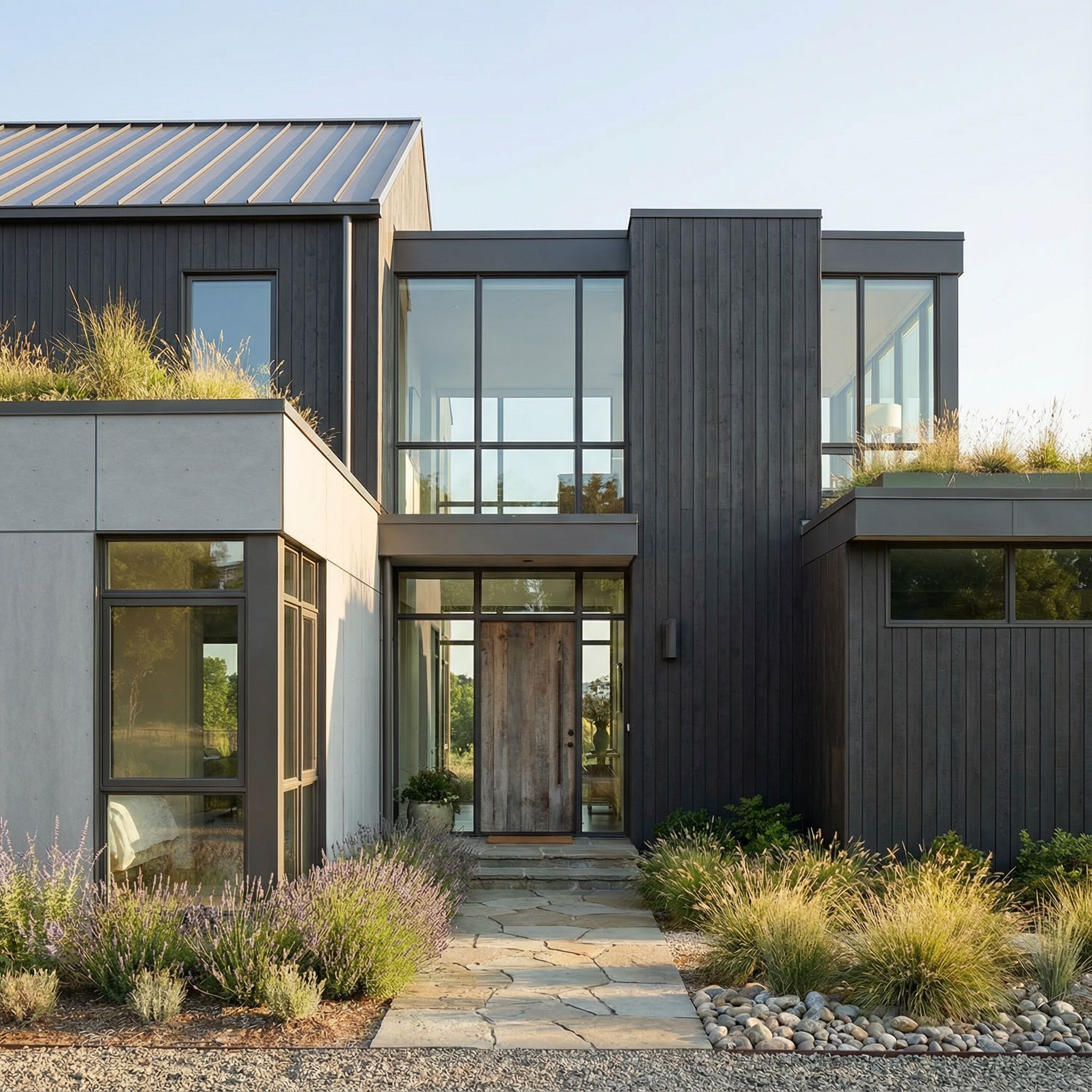
#3. Material Selection and Application
Realistic materials are essential for convincing house design renders:
#Common Residential Materials
- Exterior Cladding: Wood siding, vinyl, fiber cement, stucco, brick, stone, or modern composite materials
- Roofing: Asphalt shingles, metal panels, clay tiles, slate, or modern flat roof systems
- Windows and Doors: Glass with proper reflections, frames with realistic materials
- Trim and Details: Painted wood, composite materials, or metal accents
- Hardscaping: Driveways, walkways, patios, and retaining walls
#Texture Best Practices
- Use high-resolution texture maps for close-up details
- Apply proper bump and normal maps for surface depth and realism
- Consider weathering and wear for authentic aging effects
- Match material reflectivity and properties to real-world materials
#4. Landscape and Site Integration
A house design render should feel integrated with its surroundings:
#Landscape Elements
- Terrain: Match site topography and grading accurately
- Vegetation: Include appropriate trees, shrubs, ground cover, and seasonal plantings
- Hardscaping: Driveways, walkways, patios, decks, and outdoor living spaces
- Site Features: Fences, mailboxes, lighting, and other site elements
#Environmental Context
- Sky and Atmosphere: Use realistic sky HDRI maps or procedural sky systems
- Weather Conditions: Appropriate cloud coverage and atmospheric effects
- Seasonal Representation: Consider seasonal variations in vegetation and lighting
- Neighborhood Context: Subtle representation of surrounding buildings and context
#Advanced House Design Rendering Techniques
#Camera Composition and Angles
Strategic camera placement enhances your house design render:
- Eye-Level Views: Natural, relatable perspectives that viewers can easily understand
- Elevated Angles: Show roof details, site relationships, and overall massing
- Corner Views: Capture multiple facades in a single render for comprehensive views
- Detail Shots: Highlight specific architectural features, materials, or design elements
- Wide Shots: Show the house in context with its surroundings and landscape
#Post-Processing and Enhancement
Post-processing can elevate your house design render:
- Color Grading: Adjust color temperature and saturation to create desired mood
- Contrast Enhancement: Improve depth and visual impact
- Atmospheric Effects: Add depth with atmospheric haze, fog, or mist
- Lens Effects: Subtle vignetting or lens flares for added realism
- People and Vehicles: Scale figures and vehicles for context (use sparingly and appropriately)
#Rendering Settings Optimization
Efficient rendering settings balance quality and time:
- Resolution: Match output resolution to intended use (web vs. print)
- Sampling: Adjust quality settings based on final output requirements
- Render Elements: Render separate passes for flexibility in post-processing
- Denoising: Use AI-powered denoising for faster, cleaner renders
#Common House Design Styles and Rendering Approaches
#Modern Contemporary
- Clean lines and minimal detailing
- Large windows and open spaces
- Neutral color palettes
- Emphasis on form and materiality
- Modern landscaping with geometric forms
#Traditional
- Classic architectural details and proportions
- Symmetrical compositions
- Warm material palettes
- Emphasis on craftsmanship and detail
- Traditional landscaping with established plantings
#Transitional
- Blend of traditional and modern elements
- Balanced material choices
- Versatile appeal
- Contemporary comfort with classic character
- Mixed landscaping approaches
#Luxury Estate
- High-end materials and finishes
- Extensive landscaping and outdoor spaces
- Multiple architectural elements and details
- Emphasis on grandeur and sophistication
- Professional landscape design
#Best Practices for House Design Rendering Projects
#Pre-Render Checklist
Before starting your render, ensure:
- Model is complete and accurate
- All materials are assigned and textured
- Lighting setup matches desired time of day and mood
- Camera angles are strategically chosen
- Environment and landscape are integrated
- Render settings are optimized for output
#Quality Control
During and after rendering:
- Review render passes individually for issues
- Check material accuracy and texture quality
- Verify lighting matches design intent
- Ensure proper scale of all elements
- Validate environmental integration
#Client Presentation Tips
When presenting house design renders:
- Show multiple angles and times of day
- Include both wide and detail shots
- Present material options side-by-side
- Use consistent lighting across all views
- Provide context for scale and surroundings
#Tools and Software for House Design Rendering
#3D Modeling Software
- SketchUp: User-friendly modeling with extensive plugin ecosystem
- Revit: BIM-focused tool for architectural documentation and rendering
- Rhino: Powerful NURBS modeling for complex forms
- Blender: Free, open-source option with robust rendering capabilities
#Rendering Engines
- V-Ray: Industry-standard photorealistic rendering
- Lumion: Real-time rendering with extensive material library
- Enscape: Real-time visualization integrated with modeling software
- Twinmotion: User-friendly real-time rendering solution
- AI-Powered Rendering: Modern tools that generate renders from sketches or models
#Post-Processing Software
- Photoshop: Industry standard for image editing and compositing
- Lightroom: Color grading and enhancement
- Affinity Photo: Professional alternative to Photoshop
#Troubleshooting Common House Design Render Issues
#Lighting Problems
- Too Dark: Increase ambient light or adjust exposure settings
- Too Bright: Reduce light intensity or add exposure compensation
- Harsh Shadows: Use softer light sources or add fill lighting
- Unrealistic Colors: Check color temperature and white balance settings
#Material Issues
- Too Reflective: Adjust material roughness and reflectivity
- Too Flat: Add bump maps or normal maps for surface detail
- Incorrect Scale: Verify texture mapping and UV coordinates
- Color Mismatch: Calibrate material colors to match real-world samples
#Composition Challenges
- Uninteresting Angle: Experiment with different camera positions
- Poor Framing: Use rule of thirds and leading lines
- Lack of Focus: Adjust depth of field to guide viewer attention
- Missing Context: Add surrounding environment and landscape elements
#Conclusion
Creating professional house design renders requires attention to detail, technical skill, and artistic vision. By mastering lighting, materials, composition, and environmental integration, you can produce visualizations that effectively communicate design intent and captivate viewers.
Whether you’re using traditional rendering workflows or exploring modern AI-powered tools, the principles of good house design rendering remain consistent: photorealism, proper lighting, accurate materials, and compelling composition. With practice and attention to these fundamentals, your house design renders will become powerful tools for design communication and client engagement.
Remember that every house design render tells a story. By carefully crafting each element—from the quality of light to the choice of materials—you create visual narratives that help clients and stakeholders envision not just a building, but a home where they can see themselves living.
#Ready to Render Your House Designs?
Transform your architectural sketches into stunning professional renders with Evermake. Our AI-powered platform makes it easy to render house design concepts in minutes, not hours. Start creating your renders today →